Are you using LinkedIn Creator Mode? Is your content reaching the right prospects?
In this article, you’ll discover how to use LinkedIn Creator Mode Analytics to assess your posts and improve your reach.
#1: How to Access LinkedIn Creator Analytics
As of December 2022, LinkedIn’s updated Creator Analytics is available for all personal profiles. To access these analytics, you first have to have Creator Mode turned on for your personal profile.
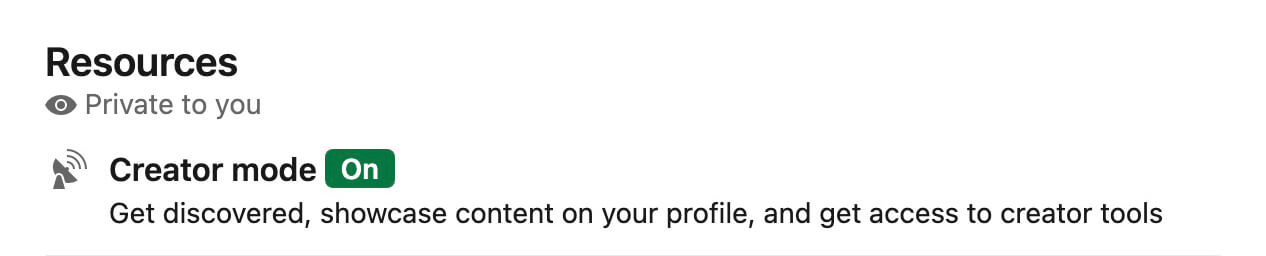
To turn on Creator Mode, go to your LinkedIn profile and locate the Resources panel. Make sure the Creator Mode section displays a green On label. If it doesn’t, open the Creator hub and switch on Creator Mode.
Once you enable Creator Mode, you’ll get access to the analytics data that LinkedIn rolled out in early 2022, as well as the updated analytics the platform introduced in December 2022. You can access these analytics on desktop and mobile from two key locations:
LinkedIn’s Creator Mode automatically enables a Follow option for your profile. Since it lets LinkedIn members follow you rather than requesting a connection, Creator Mode can help boost visibility for your profile and your content marketing.
On the one hand, that’s ideal for growing your influence and reaching more of your target audience. But expanding your audience quickly means you may lose sight of who’s following you and whether you’re publishing the optimal content. With the new Audience Analytics panel, you can more easily understand who your followers are and spot trends.
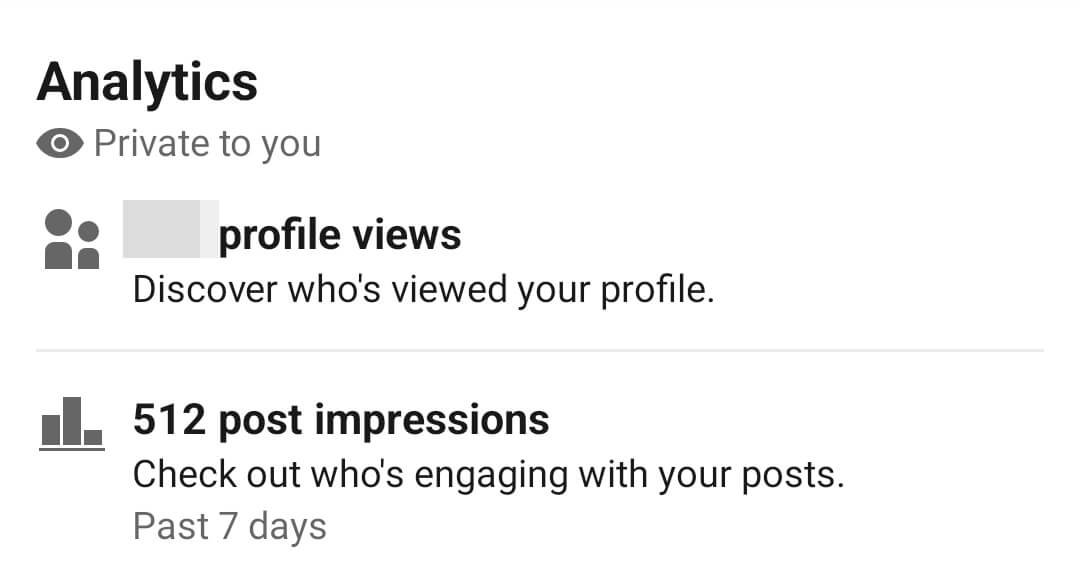
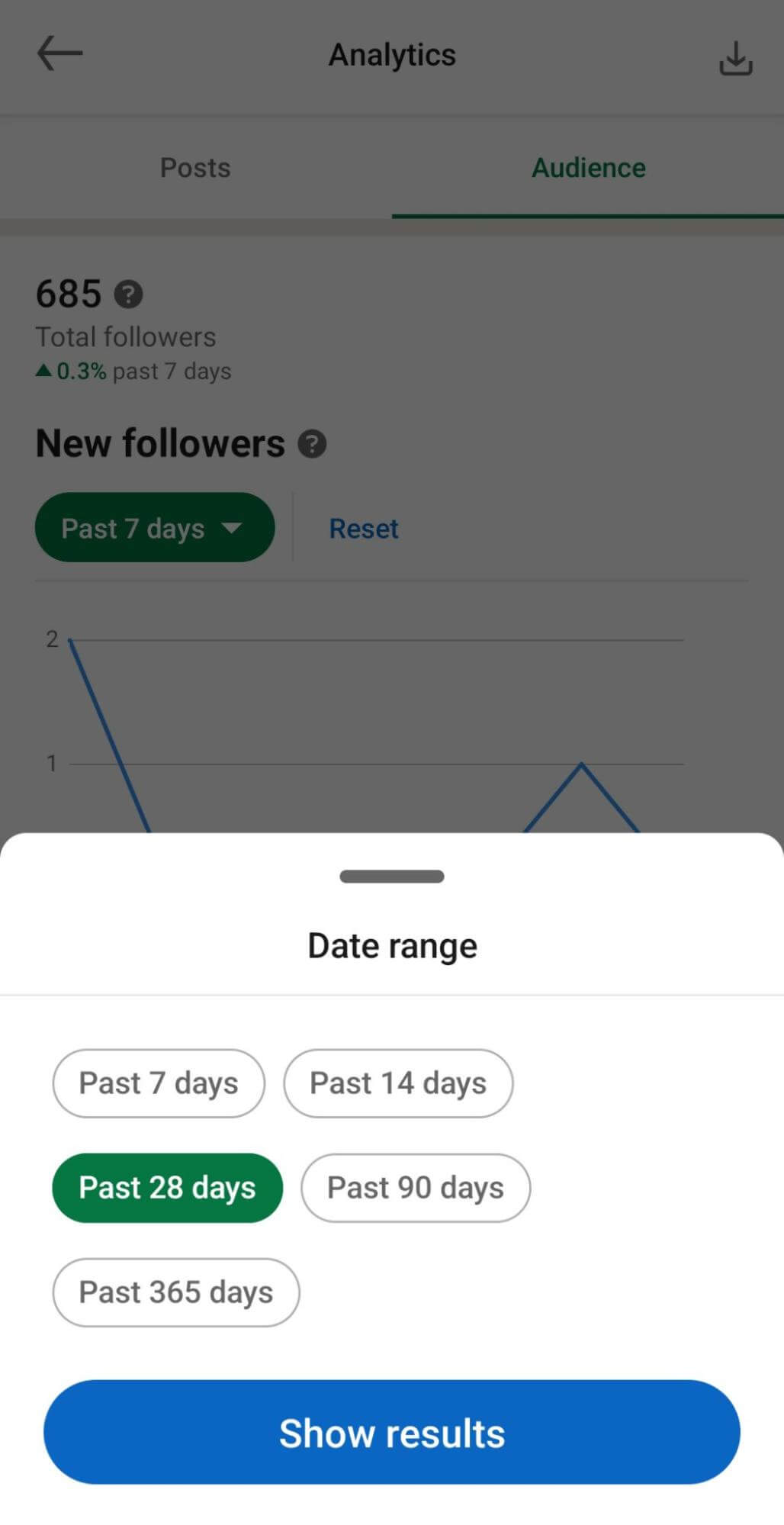
You can access these insights by tapping or clicking the Analytics panel at the top of your profile and going to the Audience tab. Click or tap the Past 7 Days drop-down menu to change the default timeframe.
How quickly is your audience growing? Are you meeting growth goals or falling short? By tracking new followers over time, you can better understand whether you’re successfully establishing influence and building an audience.
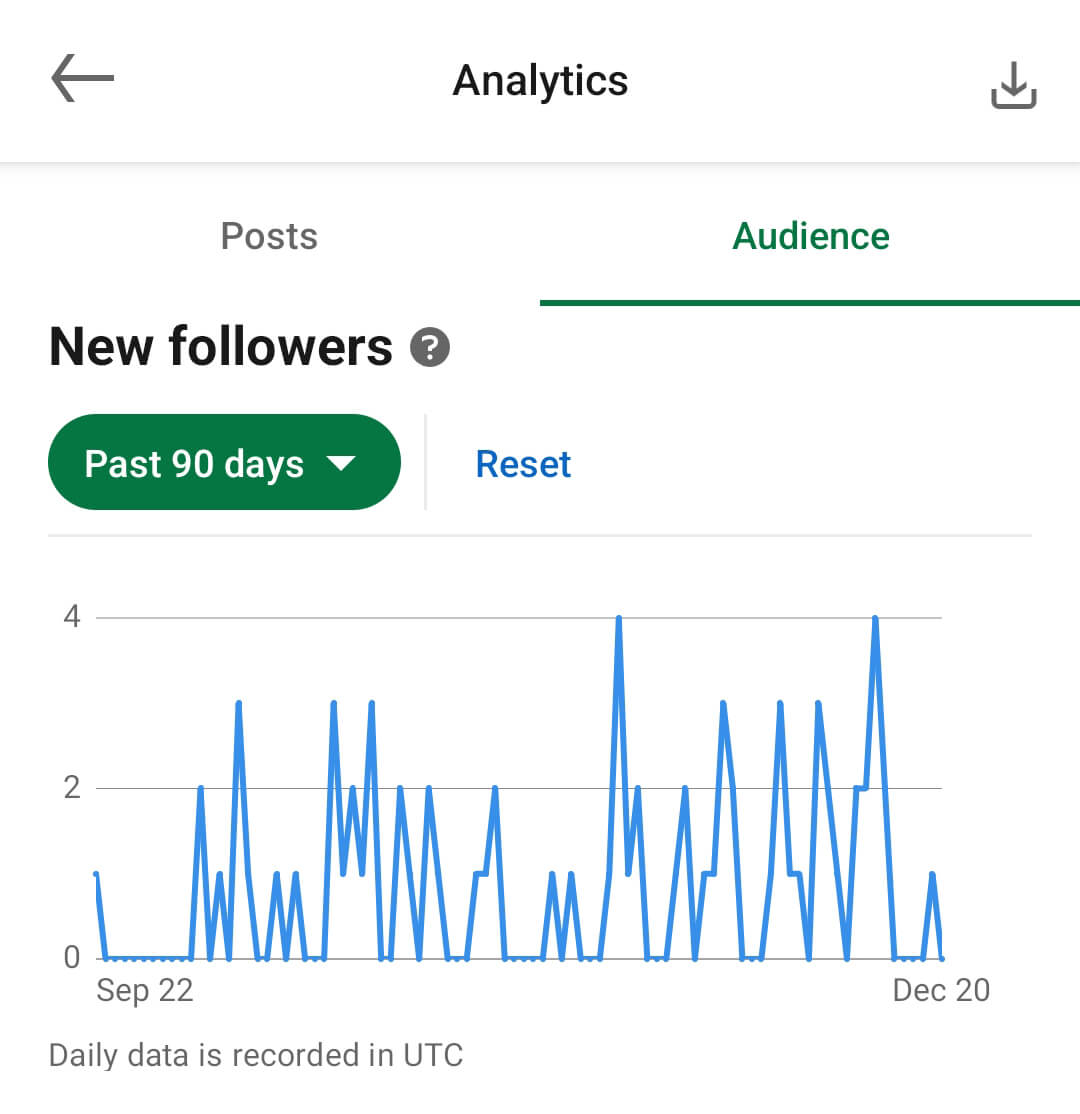
LinkedIn’s Audience Analytics panel displays the total number of followers you have now, along with the percentage you’ve gained or lost over the time period of your choice. Does it seem like your audience growth has slowed recently? It’s helpful to view different time periods and compare them against each other.